Creating a cozy and functional home office is more important than ever, especially as many people spend more time working from home. A well-designed workspace can enhance your productivity, improve your mood, and help maintain a healthy work-life balance. Whether you have a dedicated room or just a small corner, these tips will help you create an inviting office space tailored to your needs.
Choose the Right Location
Consider Natural Light
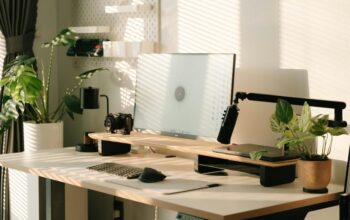
When selecting a spot for your home office, prioritize areas with plenty of natural light. Sunlight boosts your energy levels and helps reduce eye strain. If possible, position your desk near a window, but be mindful of glare on computer screens.
Minimize Distractions
Try to find a quiet area away from high-traffic zones in your home. If that’s not possible, consider noise-canceling headphones or soundproofing measures like rugs and heavy curtains to reduce distractions.
Invest in Ergonomic Furniture
Comfortable Chair
A good office chair is key to maintaining proper posture and avoiding back pain. Look for adjustable chairs with lumbar support that allow you to sit comfortably for hours.
Desk Setup
Choose a desk with enough surface area to hold your computer, documents, and any other essentials without feeling cramped. Standing desks or adjustable-height desks can offer flexibility and encourage movement.
Personalize Your Space
Add Meaningful Decor
Incorporate items that inspire you, such as artwork, plants, or motivational quotes. Personal touches can make your workspace feel welcoming and boost your creativity.
Use a Color Scheme
Choose calming colors like soft blues, greens, or neutrals to create a relaxing atmosphere. Avoid overly bright or distracting colors that can be fatiguing over time.
Organize for Efficiency
Declutter Regularly
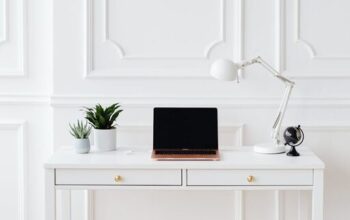
A tidy desk helps your mind stay focused. Use organizers, trays, or baskets to keep papers and supplies in order. Allocate time each week to clear out unnecessary items.
Smart Storage Solutions
Shelves, filing cabinets, and drawer organizers make it easy to store things neatly and find what you need quickly. Consider vertical storage if you’re short on floor space.
Optimize Lighting
Use Layered Lighting
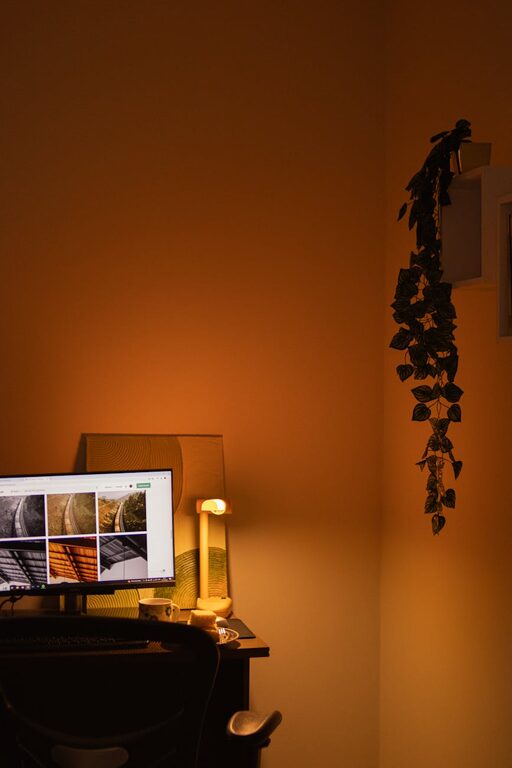
Combine ambient lighting with task lighting for the best results. A ceiling light provides general illumination, while a desk lamp focuses on your immediate work area.
Avoid Screen Glare
Position your monitor perpendicular to windows or light sources to reduce reflections and eye strain. Adjustable blinds or curtains can help control natural light levels.
Improve Air Quality and Comfort
Ventilation
Good airflow makes a big difference in comfort and focus. Open windows when possible or use fans and air purifiers to keep the air fresh.
Temperature Control
Keep your office at a comfortable temperature. Layer clothing or add a small heater or fan if your thermostat setting isn’t adjustable in your workspace.
Incorporate Technology Wisely
Cable Management
Messy wires can create stress and limit workspace. Use cable organizers, clips, or sleeves to keep cords tidy and out of the way.
Essential Equipment
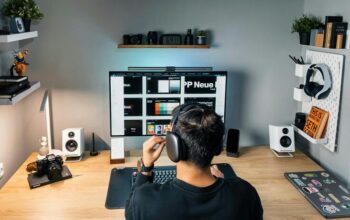
Equip your office with reliable technology that fits your work needs, whether it’s a second monitor, a good-quality camera for video calls, or a fast printer.
Create a Routine and Boundaries
Define Work Hours
Set clear times for starting and ending your day to keep work from spilling into personal time.
Separate Work and Relaxation
If space allows, avoid doing non-work activities in your office area. This helps your mind associate the space with productivity.
—
By following these tips, you can create a home office that feels both cozy and functional. Tailor your space to your preferences and work style, and enjoy a productive, comfortable environment every day.