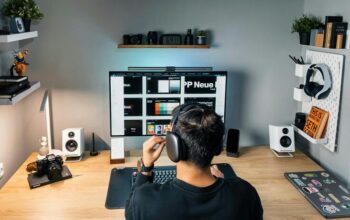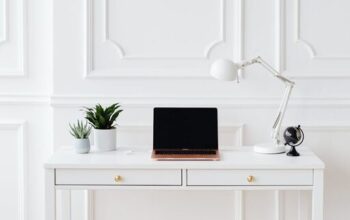
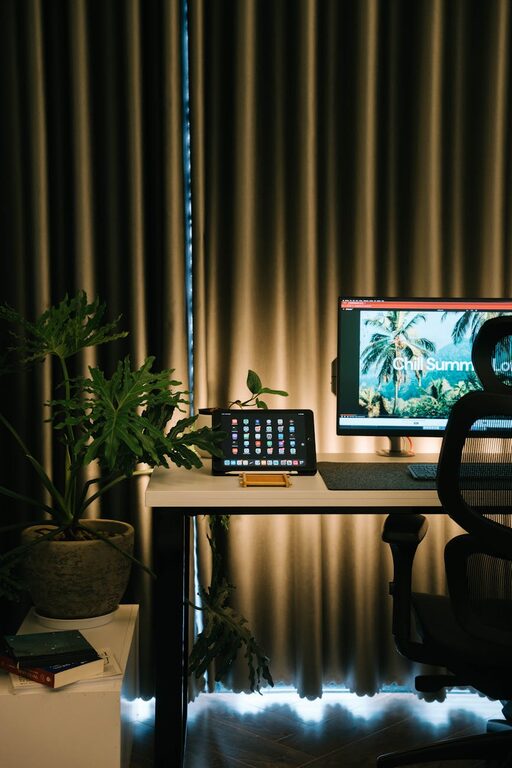
Creating a home office that feels both cozy and productive can transform the way you work. Whether you’re working remotely full-time or occasionally need a quiet space, a well-designed home office helps keep you focused and comfortable. Here are some practical tips to help you set up a workspace that encourages productivity while feeling inviting.
1. Choose the Right Location
Finding the best spot for your home office is the first step. Ideally, select a space with minimal distractions and enough room for your needs. If possible, pick a quiet corner or a spare room where you can separate work from home life.
– Consider natural light: A window can brighten your area and boost mood.
– Avoid busy household areas like the kitchen or living room to reduce interruptions.
– Make sure you have easy access to power outlets for your devices.
2. Invest in Comfortable Furniture
Comfort is essential for long work hours. Invest in a supportive chair that promotes good posture and a desk that fits your space.
– Choose an ergonomic chair that supports your lower back.
– Pick a desk height that allows your arms to rest comfortably.
– Consider a sit-stand desk to alternate between sitting and standing throughout the day.
3. Optimize Lighting
Good lighting reduces eye strain and creates a warm atmosphere.
– Use a combination of natural light and artificial lighting.
– Position your desk near a window but avoid harsh glare on your screen.
– Use adjustable desk lamps to focus light where you need it.
– Opt for warm or daylight bulbs that are easy on the eyes.
4. Organize with Purpose
Clutter can reduce productivity. Keep your home office tidy and well-organized to maintain focus.
– Use shelves, drawers, and organizers to store supplies.
– Keep only essential items on your desk.
– Utilize cable management solutions to keep cords neat.
– Create a system for paperwork such as filing folders or trays.
5. Personalize Your Space
Adding personal touches makes your workspace more inviting and enjoyable.
– Hang artwork or photos that inspire you.
– Use plants to bring in a bit of nature and improve air quality.
– Choose colors that make you feel calm and motivated.
– Add cozy items like a soft rug or cushions for comfort.
6. Minimize Distractions
Maintaining a productive environment means limiting what pulls your attention away.
– Use noise-cancelling headphones or white noise machines if needed.
– Set boundaries with household members during work hours.
– Keep your phone on silent or use apps to limit notifications.
– Create a clear start and end time for your workday to balance work and rest.
7. Use Technology Wisely
Having the right tools can improve efficiency in your home office.
– Invest in a reliable internet connection.
– Choose monitors and keyboards that enhance comfort.
– Use productivity apps to organize tasks and deadlines.
– Regularly back up important files to avoid data loss.
8. Keep it Clean and Maintained
A clean workspace promotes clarity and helps reduce stress.
– Wipe down surfaces regularly.
– Vacuum or dust your office weekly.
– Check that all equipment is functioning properly.
– Refresh the space periodically to keep it inviting.
Final Thoughts
Designing a home office that balances coziness with productivity is very achievable with thoughtful planning. By focusing on the right location, comfortable furniture, good lighting, clear organization, and personal touches, you’ll create a space where work feels less like a chore and more like a pleasant daily routine. Take time to adjust your setup as you go, and enjoy the benefits of a home office suited just for you.